Best AI contextual governance solution tools in 2026: 8 platforms compared
Eight AI contextual governance solutions that set AI rules by user, data and purpose, from WitnessAI and Harmonic to Microsoft Purview, compared on features and pricing.
 Written byDr. Alap ZahidReviews And Guides Editor
Why you can trust The AI Future
Our writers research every product from its official pages, independent tests and user reports, link each claim to its source and correct mistakes openly. Unless an article says otherwise, we haven't tested the product hands-on ourselves. Companies can't pay for coverage or see reviews before they're published.
Read our editorial policy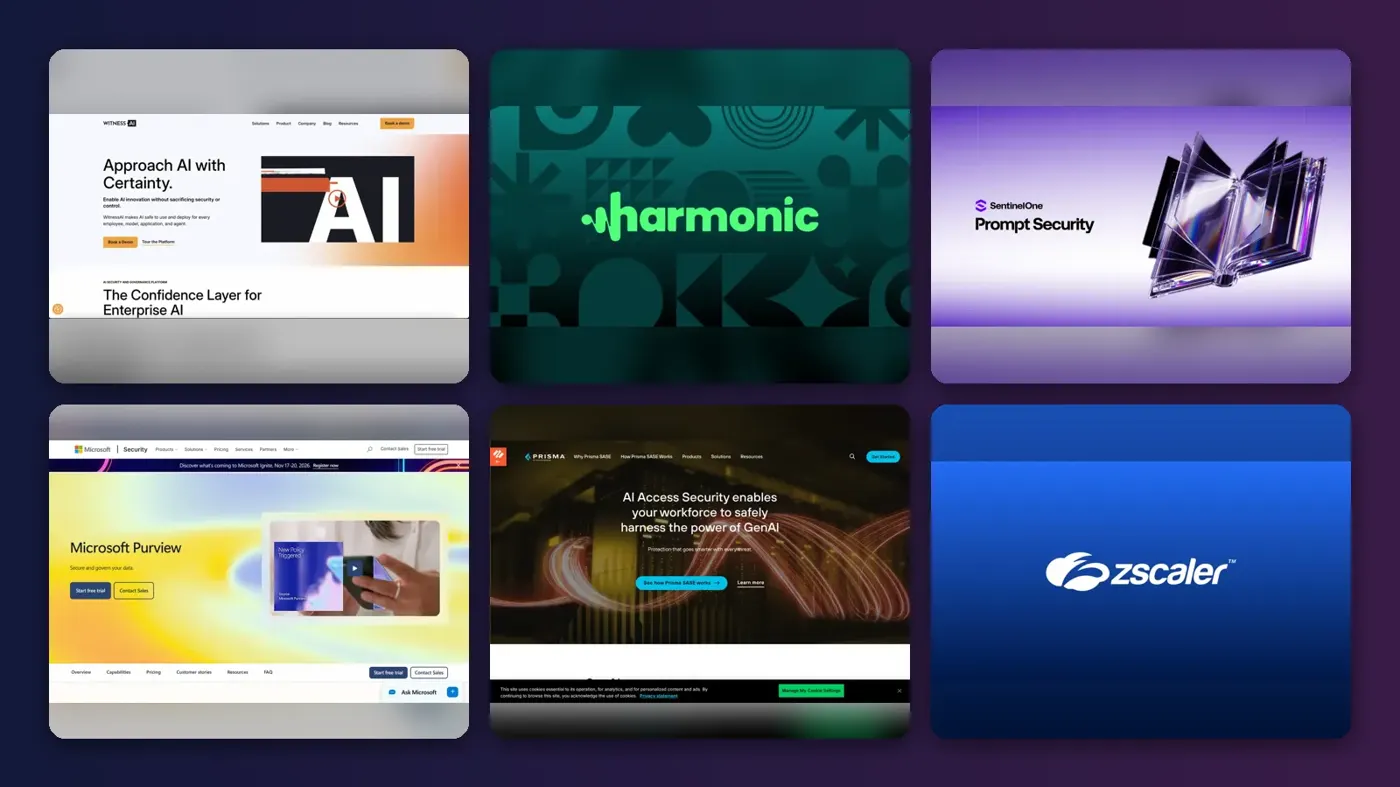
Short answer: if you want an AI contextual governance solution that sets rules by who's asking, what data they're sharing and why, start with WitnessAI. It's the vendor that pushed the term into circulation, and its policies can key off department, role, intent or whether the user is a person or an agent. If your company already runs Microsoft 365 E5, look at Purview first, because you may already own most of it.
"Contextual governance" is mostly marketing language. The idea behind it is real, though. Instead of one blanket rule ("ChatGPT is blocked"), these tools decide case by case: a finance analyst pasting earnings data into a personal Gemini account gets stopped, while a marketer drafting a blog intro gets through. WitnessAI's own definition describes it as judging "every AI interaction based on who initiates it, for what purpose, with what data, and within what organizational context." Below are eight platforms that actually do that, ranked for a mid-sized or large company.
Key takeaways
- WitnessAI is the most complete pick if you want policies built around role, intent and agents in one place.
- Harmonic Security is the one to look at if you'd rather coach employees than block them.
- Microsoft Purview is probably the cheapest route for Microsoft 365 E5 customers, since its AI controls come with the license.
- None of the eight publish a free plan or list prices for the core product, so budget for a sales call and a pilot.
- Credo AI is a different animal: it handles the paperwork side of governance (registries, risk reviews, regulation) rather than inspecting prompts live.
Our ranking method
Nobody at The AI Future ran hands-on tests for this roundup. We compared the tools using vendor product pages and documentation, published coverage and user reviews on G2 and PeerSpot, as of late October 2026. Each one was judged on six criteria:
- Context signals: can a policy depend on user role, department, data type, app and purpose, not just a keyword list?
- Coverage: browsers, desktop apps, coding assistants, APIs and AI agents connected through MCP.
- Enforcement options, from silent logging and warnings through redaction to hard blocks.
- Agent governance, meaning control over what autonomous agents can read, write and call.
- Fit with tools you already own, like an identity provider, a SASE network or Microsoft 365.
- Pricing transparency and evidence from real users.
I've weighted the first two most heavily. A tool that only sees browser traffic misses Claude Code in a terminal or an agent calling Salesforce at 3am, and that gap matters more every month.
The 8 best AI contextual governance solutions at a glance
| # | Tool | Category | Best for | Free tier | Starts at |
|---|---|---|---|---|---|
| 1 | WitnessAI | AI security and governance platform | Role and intent-based policies for people and agents | No | Custom quote |
| 2 | Harmonic Security | AI usage control | Coaching employees inline | No | Custom quote |
| 3 | Prompt Security | AI usage control | Developer tools and SentinelOne shops | No | Custom quote |
| 4 | Microsoft Purview | Data security suite | Microsoft 365 and Copilot customers | No | Per-user license |
| 5 | Palo Alto Networks AI Access Security | SASE add-on | Prisma SASE customers | No | Custom quote |
| 6 | Zscaler Generative AI Security | SASE add-on | Zscaler customers | No | Custom quote |
| 7 | Lasso | AI agent security | Agents and RAG apps you build | No | Custom quote |
| 8 | Credo AI | AI governance (GRC) | Risk reviews and regulation | No | Custom quote |
The best AI contextual governance solutions in 2026, ranked
WitnessAI – best for role and intent-based policies
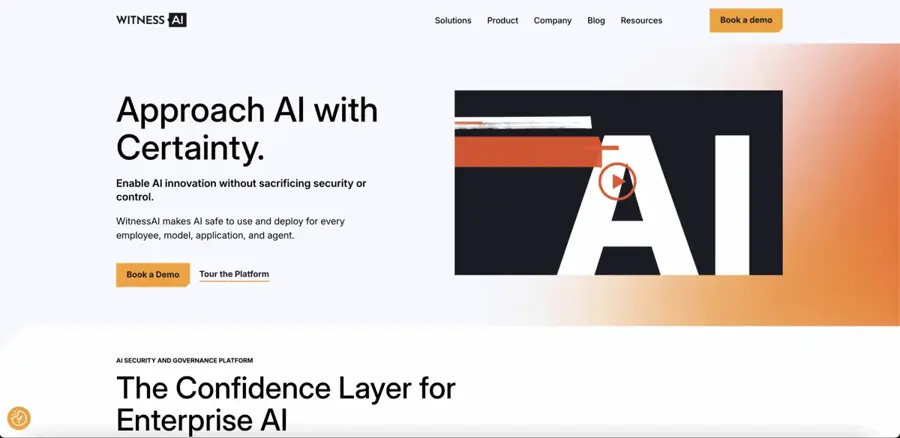
WitnessAI is a single platform for watching and controlling how employees, models, apps and AI agents use AI, with policies that change depending on who's acting and why.
Strengths
WitnessAI is the closest match to the phrase people are searching for, partly because it wrote the guide that defines it. On the product page, you can build policies "based on department, role, intent, or workforce type," route prompts to different models by risk, cost or purpose, and redact sensitive data as it's typed. That model-routing piece is unusual. Most rivals only allow or block.
It also treats agents as first-class users. WitnessAI says it can inventory MCP servers, enforce which ones are approved across IDEs and agent apps, and tie agent activity back to a human identity. I like that last bit a lot; when an agent leaks something, someone's going to ask whose agent it was. The catch is independent evidence: G2 and Gartner Peer Insights both list WitnessAI, but neither page loaded for us, so I can't quote a user review here.
Key features
- Discovery of AI apps, agents and MCP servers across the company.
- Policies by department, role, intent or human-versus-agent.
- Prompt routing to approved models based on risk, cost or purpose.
- Real-time redaction of sensitive data.
- Runtime defences against jailbreaks and prompt injection, plus automated red-teaming.
Pros
- Context rules go further than data type alone.
- Covers employees and agents under the same policy set.
- Audit trails help with compliance reporting.
Cons
- No public pricing; the pricing page returned an error when we checked.
- Little independent user feedback we could verify.
WitnessAI pricing: No free plan; pricing is by quote after a demo (checked October 2026). See pricing
Related: What is shadow AI? Best AI data governance tools
Verdict: the default shortlist pick if contextual policy is the main thing you're buying.
Harmonic Security – best for coaching employees inline
Harmonic Security watches how staff and their agents use AI tools and steps in with warnings, nudges or blocks based on the data, app and user involved.
Strengths
Harmonic's pitch is that keyword-style DLP can't tell "a draft email from a deal memo," so it classifies the meaning of what's being shared with its own small language models. Looking at the plans, there are three tiers. Explore gives prompt-level visibility across 1,000+ apps and pulls identity from Entra, Okta or Google Workspace. Guide adds desktop apps and IDEs, plus inline coaching that warns or blocks "in under 200 milliseconds" with policies by data type, app and user role. Command adds MCP discovery and read/write/execute permissions for agents.
The user reviews are mostly warm. One G2 reviewer, syndicated on AWS Marketplace, praised its "context aware, intent based governance," while another wrote: "I find the custom policy builder slightly complex for new admins." A third mentioned alert volume. Prompt injection blocking is still marked "coming soon" on the Command tier, which is worth knowing if that's on your list.
Key features
- Small language models classify sensitive data without regex rules.
- Policies by data type, application and user role.
- Warn, nudge or block messages shown to the employee in the moment.
- Tracking of corporate versus personal AI accounts.
- Deployment through Intune, Jamf, Kandji or Group Policy.
Pros
- Clear tier structure, so you can start with visibility only.
- Employee names can be masked in the portal, which helps with works councils.
- Covers desktop tools like Claude Code and ChatGPT Desktop on higher tiers.
Cons
- No published prices.
- Reviewers flag a learning curve on the policy builder and installation hassles.
- Prompt injection blocking isn't shipped yet.
Harmonic Security pricing: No free plan; Explore, Guide and Command tiers are quoted on request (checked October 2026). See pricing
Related: Shadow AI explained
Verdict: pick Harmonic if your culture leans towards teaching people rather than locking things down.
Prompt Security – best for developer tools and SentinelOne shops
Prompt Security, now part of SentinelOne, discovers and controls employee and developer use of AI tools, redacting sensitive data and enforcing policy in real time.

Strengths
SentinelOne announced the deal in August 2025, and the site now carries "From SentinelOne" branding. Its AI usage control page claims policy enforcement across 15,000+ AI services and calls out GitHub Copilot, Cursor and Claude Code by name. In SentinelOne's acquisition post, the agent and browser extensions cover browsers, desktop IDEs, terminal assistants and APIs, and every prompt and response "is captured with full context."
That terminal coverage matters to me more than it might seem. Coding assistants are where source code and secrets leak, and plenty of network-only tools can't see them. I'd guess the SentinelOne tie-in also makes buying simpler if you're already on Singularity, though I couldn't find public pricing to prove it.
Key features
- Inventory of sanctioned and shadow AI tools, including code assistants.
- Real-time redaction of sensitive data in prompts.
- Protection against prompt injection and data leakage.
- Free system prompt tester covering 16 providers and 16 attack types.
Pros
- Strong coverage of developer tools and terminals.
- Backed by a large security vendor.
- Free tools for testing your own prompts.
Cons
- Less detail published on role or department-based policy than WitnessAI.
- No public pricing or verified user reviews we could read.
Prompt Security pricing: No free plan for the platform (free standalone tools exist); quote-based (checked October 2026). See pricing
Related: AI cybersecurity companies
Verdict: the pick for engineering-heavy companies worried about code assistants.
Microsoft Purview – best for Microsoft 365 and Copilot customers
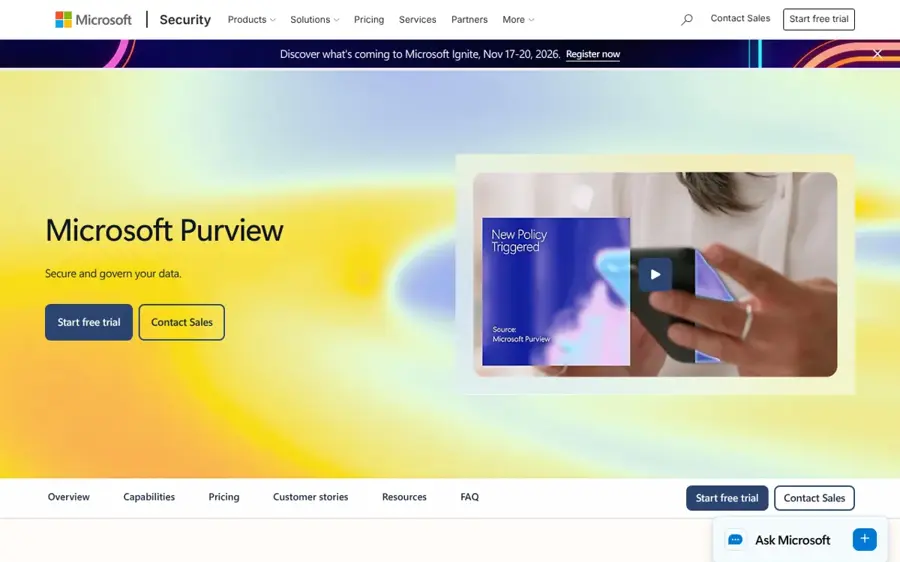
Microsoft Purview is Microsoft's data security and compliance suite, and its Data Security Posture Management (DSPM) applies DLP, labels and risk checks to Copilot, agents and third-party AI apps.
Strengths
Purview's context comes from the sensitivity labels and DLP policies you may already have. Microsoft's AI overview splits coverage into three groups: Copilot experiences and agents, enterprise AI apps like ChatGPT Enterprise and Anthropic Claude (Enterprise), and other AI apps (ChatGPT, Gemini, DeepSeek) spotted through browser activity. DSPM offers one-click preset policies and runs a weekly oversharing check on your top 100 SharePoint sites, going by Microsoft Learn. The older "DSPM for AI" has been replaced by a newer DSPM, so expect some naming confusion.
Rivals take shots at it. Harmonic's FAQ argues Purview is mostly Microsoft-only and keyword-based, which is a competitor's view, not a neutral one. Still, the coverage list above is clearly strongest inside Microsoft's own apps.
Key features
- Preset DLP policies for AI prompts, activated in one click.
- Oversharing risk assessments for SharePoint data that Copilot can reach.
- Coverage for ChatGPT Enterprise and Claude Enterprise through connectors.
- Audit, retention and eDiscovery for AI interactions.
Pros
- Included with Microsoft 365 E5, so many firms already pay for it.
- Reuses existing sensitivity labels.
- Deep insight into Microsoft 365 Copilot.
Cons
- Billing mixes per-user licenses with Azure pay-as-you-go meters.
- Weaker for non-Microsoft desktop tools and agents.
- Policy results can take 24 hours to show up.
Microsoft Purview pricing: No free plan; per-user via Microsoft 365 E5 or the Purview Suite add-on, plus pay-as-you-go for AI apps outside Microsoft 365 (checked October 2026). See pricing
Related: Microsoft AI review Best AI data governance tools
Verdict: turn it on before you buy anything else, if you're an E5 shop.
Palo Alto Networks AI Access Security – best for Prisma SASE customers
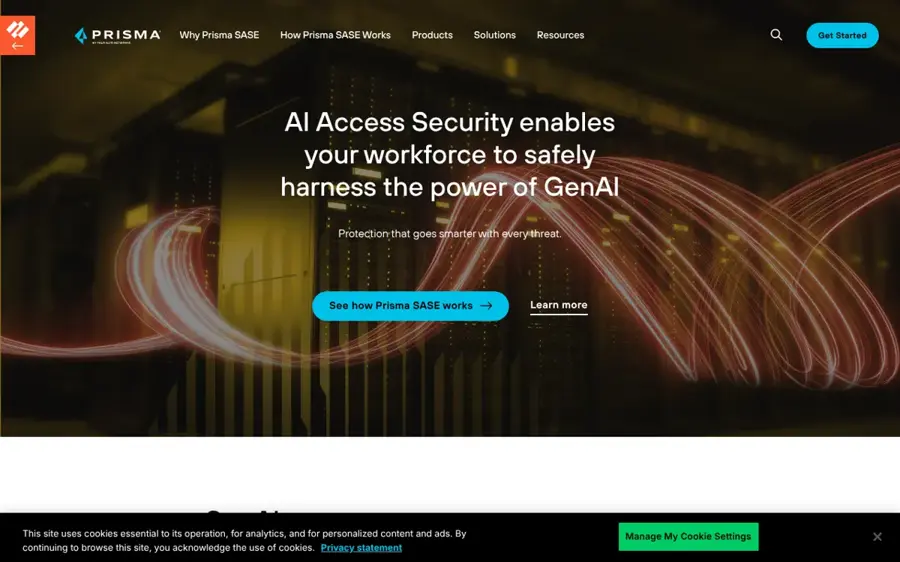
Palo Alto Networks AI Access Security is a Prisma SASE add-on that finds GenAI apps, sorts them by risk and applies access and data policies with user coaching.
Strengths
The app catalogue is the selling point: 4,000+ GenAI apps, 80+ GenAI-specific attributes and 300+ ML data classifiers, with "context-aware ML models" layered over traditional DLP. You can mark apps as sanctioned, tolerated or unsanctioned and control specific actions such as uploads. The tolerated middle tier is handy, honestly; it's where most real-world AI use sits.
Key features
- Discovery of GenAI apps, agents and marketplace plugins, and who uses them.
- Sanctioned, tolerated and unsanctioned app classes.
- Upload and download controls per app.
- Coaching notifications when users break AI usage policy.
Pros
- Fits neatly into an existing Prisma SASE rollout.
- Large, regularly updated app dictionary.
- Interactive product tour available without a sales call.
Cons
- Mostly useful if you already run Prisma SASE.
- Network-based, so local agents and terminals are a weaker spot.
Palo Alto Networks AI Access Security pricing: No free plan; quote-based add-on (checked October 2026). See pricing
Related: AI cybersecurity companies guide
Verdict: an easy add if Palo Alto already runs your network.
Zscaler Generative AI Security – best for Zscaler customers
Zscaler Generative AI Security runs inside the Zero Trust Exchange and controls which AI apps people use and what they paste into them.
Strengths
Zscaler offers prompt-level visibility, DLP on prompts, and one trick I haven't seen elsewhere on this list: rendering AI apps in browser isolation so users can type prompts but can't paste or upload files. It's a blunt but practical middle ground. Zscaler's own figures say enterprises blocked 59.9% of AI/ML transactions last year, which shows how often companies fall back on blocking without finer controls.
Key features
- Dashboards of AI app use by user and department.
- Prompt inspection and categorisation for smarter blocking.
- Granular DLP for sensitive data in prompts.
- Browser isolation that restricts clipboard and file uploads.
Pros
- No extra agent if you already run Zscaler.
- Isolation mode allows use without data upload.
- Self-guided product tour available.
Cons
- Fewer agent and MCP controls than the specialists.
- Only makes sense inside the Zscaler stack.
Zscaler Generative AI Security pricing: No free plan; quote-based (checked October 2026). See pricing
Verdict: fine for basic control; pair it with a specialist if agents matter to you.
Lasso – best for agents and RAG apps you build
Lasso secures the AI agents and LLM applications a company builds or deploys, with access rules based on context rather than static roles.
Strengths
Lasso's angle is the app side. Back in August 2024 it launched Context-Based Access Control, which VentureBeat reported evaluates each request to an LLM or RAG system so only authorised users get specific information. Co-founder Ophir Dror told the outlet that role-based access "looks on something very static." Its agent security page now covers Vertex AI, Microsoft Copilot, AWS Bedrock and Salesforce Agentforce, with posture policies aligned to OWASP, MITRE and NIST.
Interest seems to be cooling, at least by one measure. On PeerSpot, Lasso ranks fourth in Generative AI Security but its mindshare fell from 12.9% to 4.2% over the past year.
Key features
- Discovery of agents and the tools they connect to, with risk scores.
- Attack path maps from agents to databases and services.
- Context-based access control for RAG data.
- Audit trails for agent activity and tool calls.
- Runtime threat detection at the intent layer.
Pros
- Strong on homegrown and low-code agents.
- Works across several clouds and agent builders.
- Maps to common security frameworks.
Cons
- Less focus on everyday employee chatbot use.
- No public pricing, and its pricing page returned a 404.
Lasso pricing: No free plan listed; quote-based (checked October 2026). See pricing
Related: What is agentic AI?
Verdict: worth a look if your risk is the agents you're building, not the ones you're buying.
Credo AI – best for risk reviews and regulation
Credo AI is an AI governance platform for registering AI systems and agents, scoring their risk and mapping them to regulations and internal policy.
Strengths
On its homepage, Credo AI says it "pioneered contextual, continuous, comprehensive AI governance," and its context comes from a Knowledge Graph that combines regulatory rules with your business details. It's the only pick here that's mostly about governance work (agent registries, risk classification, policy packs, audit evidence) rather than inspecting prompts in real time. Its GAIA assistant is now generally available, and it connects to Snowflake, Databricks, ServiceNow, Jira and GitHub.
Key features
- Agent registry and agent cards.
- Agentic risk and control library covering tool misuse and scope drift.
- Policy packs for major AI standards and laws.
- Policy-to-code translation and audit-ready evidence.
Pros
- Built for legal, risk and compliance teams.
- Includes regulatory intelligence out of the box.
- Forward-deployed experts help with setup.
Cons
- Doesn't block a risky prompt by itself.
- Needs a runtime tool alongside it for live enforcement.
Credo AI pricing: No free plan; quote-based (checked October 2026). See pricing
Related: AI governance tools for transformation AI regulation in 2026
Verdict: the governance office's tool, not the security team's.
Choosing the right AI contextual governance solution
Start with the stack you already pay for
If you're on Microsoft 365 E5, Prisma SASE or Zscaler, switch on what's included and see what gaps remain. You'll probably find the gaps are desktop tools and agents.
Map your context signals before the demo
Write down the three or four situations you actually care about: HR data in personal accounts, source code in unapproved assistants, customer records reaching an agent. Then ask each vendor to show those exact policies live. A good tool should handle role, data type and app together; one that only checks keywords isn't contextual in any useful sense, whatever the brochure says.
Ask how agents are covered
Agents don't send browser requests. Ask whether the product sees MCP traffic and can limit read, write and execute actions, as Harmonic's Command tier and WitnessAI both claim to.
Plan the governance paperwork separately
Runtime tools generate logs; they don't write your AI policy or EU AI Act records. That's where a platform like Credo AI or a trained governance lead comes in, and our guide to AI governance certification covers the credentials. For broader data controls, see our AI data governance tools roundup, and the governance-led AI transformation guide covers the change management side.
Free vs paid: what you actually get
There's no meaningful free tier in this category. Every vendor above sells by quote, usually after a demo and a proof of concept. Free extras do exist: Prompt Security has free tools such as a system prompt tester, and Palo Alto and Zscaler offer self-guided product tours. None of that governs real traffic.
Microsoft is the partial exception, since Purview's AI features come bundled with Microsoft 365 E5 and charges for third-party AI apps run through Azure pay-as-you-go meters. My advice? Get a pilot with a fixed end date and real users, because demos with sample data hide the alert noise that one Harmonic reviewer complained about.
Final verdict
If you only pick one, I'd pick WitnessAI. Its policies use the widest set of context signals and it governs agents and people in the same place, which is where I think this market's heading. Harmonic is a close second and probably the friendlier choice for employees. And if Microsoft already runs your office, Purview costs you nothing extra to try, so start there and only buy a specialist once you've seen what it misses (it'll likely be coding tools and agents). Before buying anything, though, it's worth reading up on shadow AI so you know what you're actually trying to catch.
FAQ
What is an AI contextual governance solution?
It's software that applies AI rules based on context: who the user is, what data they're sharing, which tool they're using and why. Instead of blocking ChatGPT for everyone, it might allow drafting but stop customer records going into a personal account. WitnessAI and Harmonic are typical examples.
Is "AI governance contextual truth" a real product category?
Not really. I couldn't find any vendor selling a product under that name. It's a search phrase people use alongside contextual governance; the tools that apply policy by context are sold as AI usage control, AI security or AI governance platforms.
Does contextual governance replace DLP?
Probably not entirely. Most of these tools sit beside your DLP or SASE, adding AI-specific context such as prompt intent and agent actions. Palo Alto, for example, layers context-aware ML models on top of traditional DLP rather than removing it.
How much do these tools cost?
None of the eight publish prices for the core product, so expect custom quotes. Microsoft Purview is the main exception in practice, because its AI controls come with Microsoft 365 E5 licenses, with pay-as-you-go charges for some non-Microsoft AI apps.