OpenDream AI review 2026: a cheap art generator running on older models
OpenDream AI is a free-to-start Stable Diffusion art generator with $12 plans. It's simple and cheap, but its models are a generation behind newer tools.
 Written byBurhan AqibSenior writer, policy and analysis
Why you can trust The AI Future
Our writers research every product from its official pages, independent tests and user reports, link each claim to its source and correct mistakes openly. Unless an article says otherwise, we haven't tested the product hands-on ourselves. Companies can't pay for coverage or see reviews before they're published.
Read our editorial policy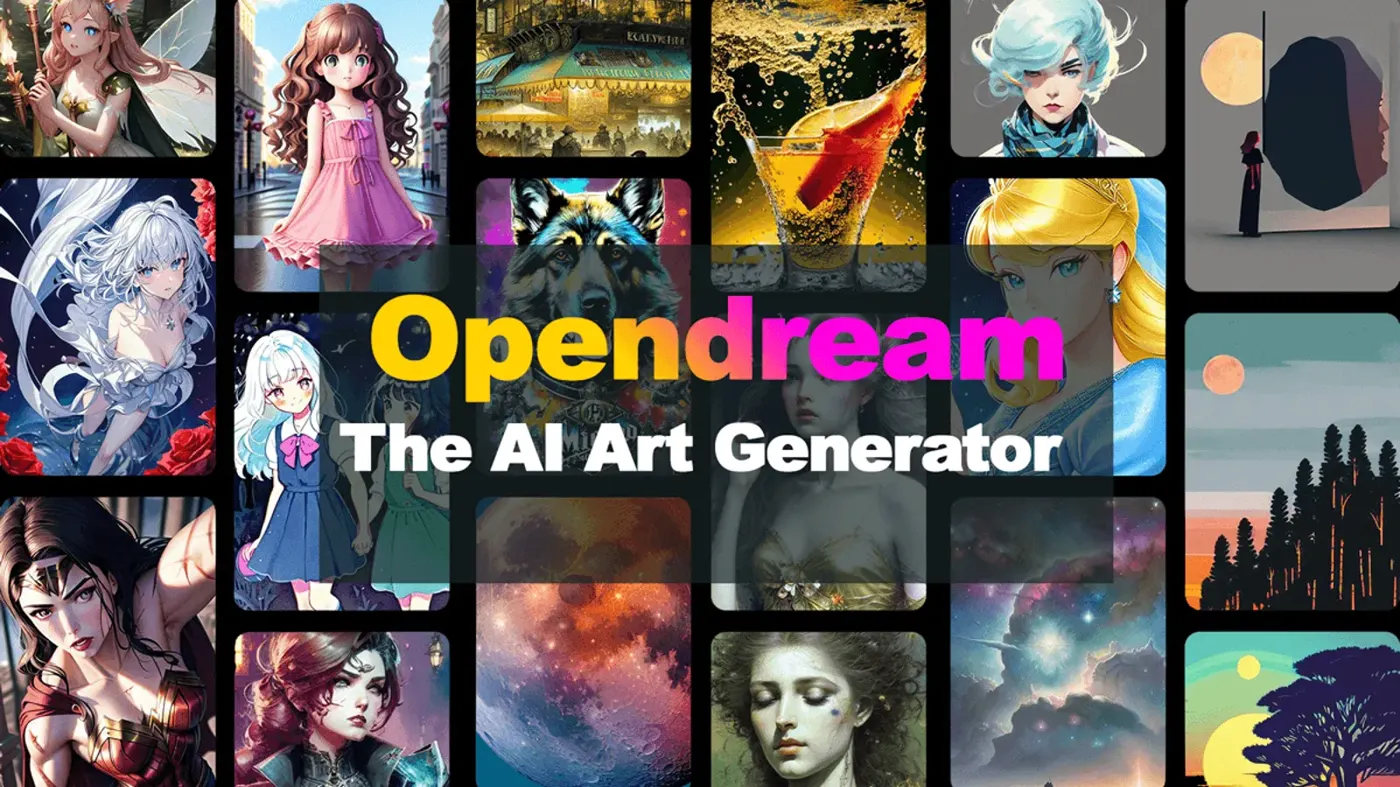
Our verdict on OpenDream
OpenDream is a working, low-cost Stable Diffusion front end with a usable free plan and helpful templates. Casual hobbyists can use the free tier; anyone who needs photorealism, readable text or current image quality should skip the paid plans and pick a newer generator.
Pricing Free (24 credits/day, about 12 images); Core $12/mo (3,000 credits); Pro $24/mo (12,000 credits); 20% off annual billing
Visit OpenDreamOpenDream AI is a browser-based text-to-image generator that's still running in November 2026, it's free to start, and paid plans begin at $12 a month. My short verdict: it's fine for quick, low-stakes art, but it runs on older Stable Diffusion models, and I'd struggle to recommend paying for it when newer tools make far better pictures.
Nobody at The AI Future ran hands-on tests for this review. I built it from OpenDream's own pages (plans, guide, terms and gallery, all read in early November 2026), plus independent write-ups and review sites. Where someone else did the testing, I'll say who.
One more thing before we start. A lot of people searching for "opendream ai" seem to be hunting for clothes-removal tools, judging by the search terms that cluster around the name. OpenDream doesn't advertise anything like that.
I won't point you to tools that do, either (there's more on that at the end).
OpenDream AI in brief
OpenDream is a web app at opendream.ai that turns a written prompt into an image. You pick a template or write your own prompt, choose a model and an aspect ratio, and hit generate. There's no app to install; you sign in with Google or Discord, going by the getting-started guide.
The company behind it lists a business address in Gzira, Malta on its Trustpilot profile, which it claimed in May 2023. That's about all the public detail there is. The about page doesn't name founders or staff, and the site footer still reads "Copyright © 2023".
Is it mainly an adult site? No. The template library leans on logos, buildings, anime animals, children's book pages and comic characters, and the terms and conditions ban "pornographic" and "obscene" content. There is an NSFW filter that blurs flagged images, though, and the guide says free users "can't generate any images with NSFW prompt", which suggests paid accounts get looser rules. I'd rather it were clearer about that.
Key features
Text-to-image generation with older models
Under the hood, OpenDream uses community Stable Diffusion checkpoints. The gallery filter lists nine: Deliberate, EpiCRealism, ToonYou, GhostMix, MajicMIX Sombre, DreamShaper, Dreamlike Anime 1.0, Dreamlike Photoreal 2.0 and CoharuMix. The guide, meanwhile, says "OpenDream offers 4 models", so the site doesn't quite agree with itself.
Either way, these are 2022 and 2023-era models. They're capable of decent anime and stylised art. They're probably not going to match what ChatGPT or Gemini produce today, and they're weak at putting readable text into images.
Templates for people who hate writing prompts
Templates are OpenDream's best idea. Each one bundles a preset prompt, a negative prompt and a model, so you only type the subject. On the templates page, recent ones include Angelic Art, Hoodie Design, Modern Logo Designs, Exterior Building and Disney Princess 3D. For a beginner, that's a gentler start than a blank box.
Batch generation and image variations
Paid users can make up to 32 images in one go, per the guide; free users get one image per creation. You can also upload an existing picture to get variations of it. Images can be public (they show up in the community gallery) or private.
Manual settings
Guidance scale, steps and sampler are all exposed. The guide's advice is to leave them at their defaults, which tells you who the product's really for. Free accounts get "Limited settings", according to the plans page.
Commercial use on every plan
This one surprised me. Going by the plans page, even the free tier says "Use images commercially". OpenDream's homepage adds that you "generally retain ownership" of what you make. Plenty of rivals keep commercial rights for paying customers only.
OpenDream AI pricing and plans
The pricing is simple and cheap. Every image costs 2 credits (four images cost 8), so you can turn credits into images by halving the number.
| Plan | Price | Credits | Roughly how many images | Notes |
|---|---|---|---|---|
| Free | $0 | 24 a day | 12 a day | Low priority, 1 parallel generation, queue up to 5, limited settings, commercial use allowed |
| Core | $12/mo | 3,000 a month | 1,500 a month | Commercial use |
| Pro | $24/mo | 12,000 a month | 6,000 a month | Largest plan listed |
Prices checked November 2026 on OpenDream's plans page, which also offers 20% off annual billing.
A few catches are buried in the plan FAQ. There's no free trial of the paid tiers. Refunds are only given if you've used less than 2% of your credits. And once credits run out, your account drops back to the free plan rather than letting you top up.
Then there's the mismatch. OpenDream's general FAQ still lists different plans: Essential at $9.90 a month, Pro at $19.90 and an Annual plan at $189.90 a year. Those names and numbers don't match the plans page. I'd trust the plans page, since that's where you actually pay (by Stripe), but it's a sign that nobody's tidying the site very often.
Is it good value? On raw numbers, yes. 1,500 images for $12 is cheap. On quality per dollar, I'm less sure, for reasons the next section covers.
Performance and independent testing
Independent testing of OpenDream is thin. The most detailed comparison I found is from SmallPPT, which ran the same set of prompts through OpenDream, ChatGPT's image generator and Gemini, covering photorealism, stylised art, text in images and busy multi-element scenes. Its write-up is dated to June 2026.
The results weren't close. SmallPPT gave OpenDream an overall quality score of 4.5 out of 10, against 7.5 for Gemini and 8.5 for ChatGPT. It listed "Visible artifacts, soft edges", "Poor text rendering in images" and "Anatomy errors on complex prompts" as OpenDream's problems. Its blunt summary: "OpenDream's images look like 2022; ChatGPT Image looks like today."
SmallPPT also gave OpenDream credit where it was due. It called the free commercial-use policy "genuinely uncommon" and said the template library "is a genuine plus for non-creatives". I think that's fair.
A second review, from HighReach, describes the interface as simple and the learning curve as small, but notes that "Advanced control over composition, iterations, and stylistic tweaks can be limited". HighReach sells a competing ad-creative tool and ends its review by recommending itself, so I'd weigh that one lightly. Its pricing table also repeats the old $9.90 and $19.90 plans, which suggests it was written from the outdated FAQ.
SmallPPT raised one more point that stuck with me. It said a wave of "nearly identical, keyword-stuffed" OpenDream review articles had appeared across low-authority sites, and that it couldn't find much organic talk about the tool on Reddit's AI art communities. It was careful to add: "We do not have definitive proof of paid traffic manipulation." I can't prove anything either. But the search results I saw while researching this piece were full of thin, near-duplicate pages, so the pattern seems real enough.
User reviews don't help much. OpenDream's Trustpilot page shows 0 reviews and "0 reviews in the last 12 months" as of November 2026. I couldn't find an official mobile app, so there are no App Store or Google Play ratings to check either.
Best suited to
OpenDream probably makes sense for a small group of people:
- Beginners who want templates to do the prompt-writing for them.
- Hobbyists making anime-style or stylised art, where older models hold up better.
- Anyone who needs a lot of cheap, low-stakes images and values commercial rights on the free plan.
It's a poor fit if you need photorealism, readable text in images (posters, logos with words, thumbnails), or reliable hands and faces. Professionals will likely find it frustrating. Skip it, too, if you want an active company with visible support: I couldn't find any sign of recent product updates, and the blog subdomain linked from the homepage didn't resolve when I checked.
OpenDream AI alternatives worth considering
ChatGPT image generation
ChatGPT's built-in image tool topped SmallPPT's comparison at 8.5 out of 10, with "Excellent text rendering in images" listed as a strength. If you already pay for ChatGPT, it's the obvious upgrade. Our roundup of the best AI image generators compares it with the other big names.
OpenArt
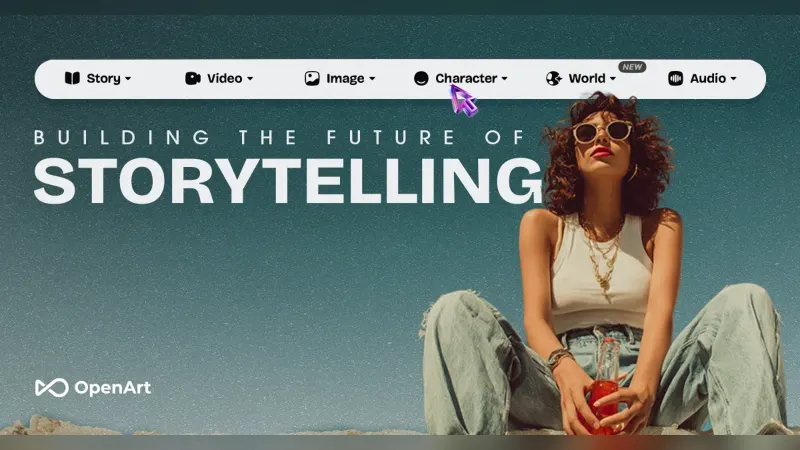
OpenArt is closer to OpenDream in spirit (lots of models, templates, a community feed) but much more current. Looking at its prices in November 2026, the Starter plan was $14 a month for 4,000 credits, with 100+ image, video and audio models. One catch: commercial use rights are listed from the Plus plan ($34 a month) up, not on Starter. Our OpenArt AI review has the details.
Leonardo AI
Leonardo is a more modern, more capable generator than OpenDream, and I'd guess most people who outgrow OpenDream end up somewhere like it. The trade-off is pricing that runs on tokens, which our Leonardo AI review calls tricky and spends a good chunk of time explaining. If you're specifically after free options, see our list of free text-to-image AI tools.
Verdict
OpenDream AI isn't a scam, and it isn't an adult site. It's a cheap, simple, aging Stable Diffusion front end that still works. The free plan's 12 images a day with commercial rights is a decent deal for casual use, and I like the templates.
Still, I wouldn't pay for it in late 2026. The models are a generation behind, the one independent quality test I found scored it 4.5 out of 10, the site contradicts itself on prices and models, and the refund policy is strict. My advice? Use the free plan if it's convenient, and put your $12 towards a newer tool instead. If you want to get better results from any generator, our guide to writing AI art prompts and our explainer on AI art styles are good next stops.
FAQ
Is OpenDream AI free?
Yes, with limits. The free plan gives you 24 credits a day, which is about 12 images, since each image costs 2 credits. Free generations are low priority, you can only run one at a time, and some settings are locked.
Can I use OpenDream images commercially?
OpenDream says you can, on every plan including the free one. The plans page lists "Use images commercially" for Free, Core and Pro, and the homepage says you "generally retain ownership" of your creations. Keep in mind that copyright rules for purely AI-made images vary by country, so a commercial licence from OpenDream isn't the same as full copyright protection.
Is OpenDream AI legit?
It's a real, working service that takes payments through Stripe and lists a business address in Malta. It's not a scam as far as I can tell. But there's little public information about the company, no user reviews on Trustpilot, and pricing details that don't match across its own pages, so I'd start on the free plan before paying.
Can AI remove clothes?
Some apps claim to, but OpenDream isn't one of them, and its terms ban pornographic content. Making sexual or nude images of real people without their consent is harmful and illegal in many places. In the US, the TAKE IT DOWN Act criminalises publishing non-consensual intimate images, including AI-generated ones, and its first conviction came on April 9, 2026.
Which models does OpenDream use?
It uses community Stable Diffusion models. The gallery filter lists Deliberate, EpiCRealism, ToonYou, GhostMix, MajicMIX Sombre, DreamShaper, Dreamlike Anime 1.0, Dreamlike Photoreal 2.0 and CoharuMix. They're good for anime and stylised looks but older than the models behind ChatGPT, Gemini or Leonardo's newest options.
What we like
- Free plan includes commercial use rights
- Templates handle prompt writing for beginners
- Cheap per image: about 1,500 images for $12
- Simple browser workflow with Google or Discord sign-in
What could be better
- Runs on older Stable Diffusion models; SmallPPT scored its quality 4.5/10
- Weak text rendering and anatomy errors in independent testing
- Prices and model counts contradict each other across its own pages
- Strict refunds (under 2% of credits used) and no free trial of paid plans