Togal AI review 2026: features, pricing, pros and cons
Togal AI automates construction takeoffs from your drawings. Here's what it does well, where it slips, and whether $299 a seat is worth it.
 Written byRahis SaifiCo-founder and news editor
Why you can trust The AI Future
Our writers research every product from its official pages, independent tests and user reports, link each claim to its source and correct mistakes openly. Unless an article says otherwise, we haven't tested the product hands-on ourselves. Companies can't pay for coverage or see reviews before they're published.
Read our editorial policy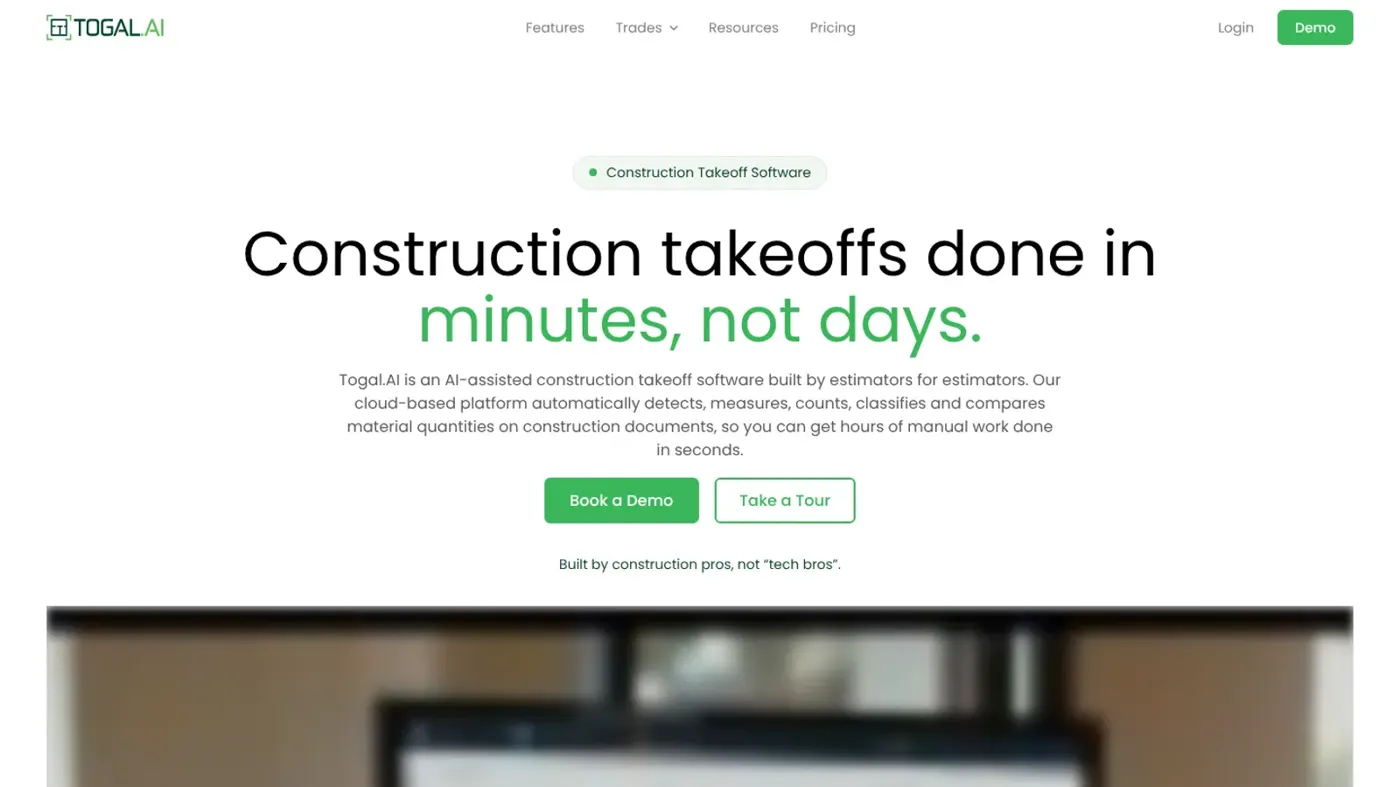
Our verdict on Togal.AI
Togal AI is a strong, focused takeoff tool for subcontractors and GCs who bid often from commercial floor plans. Busy estimating teams should book a demo with their own drawings; small outfits bidding a few jobs a month will probably find the yearly per-seat price hard to justify.
Pricing No free plan; Growth $299/user/mo billed yearly; Business custom for teams of 4+
Visit Togal.AITogal AI is construction takeoff software: you upload a set of drawings, press one green button, and it measures rooms, traces walls and counts fixtures for you, then hands the quantities back for an estimator to check. It's a real, focused tool from a Miami company, and I think it's worth a demo if your team does a lot of area, linear and count takeoffs on commercial plans. The sticking point is price. At $299 per user per month, billed yearly, with no free plan, it's a serious line item for a small subcontractor.
That's the quick verdict. The rest of this review covers what the AI actually does, what it costs, how it held up in the one independent study I could find, and which cheaper or broader tools you might pick instead.
Togal AI at a glance
| Item | Details |
|---|---|
| Our rating | 4 out of 5 |
| Best for | Estimators at specialty subcontractors and general contractors who bid from commercial floor plans |
| Pricing | Growth $299 per user per month, billed yearly; Business is custom for teams of 4+ |
| Free plan | No |
| Platform | Browser-based (cloud), with real-time collaboration |
| Website | togal.ai |
Togal AI in brief
A takeoff is the slow first half of any construction estimate. Someone has to go through the plan set and measure every square foot of flooring, every run of wall, every door and light fixture before a single number gets priced. For years that meant a scale ruler and highlighters, then software like On-Screen Takeoff or Bluebeam where you still click around every room by hand.
Togal's pitch is that the computer should do the clicking. On the homepage, it calls itself AI-assisted takeoff software "built by estimators for estimators", and the core idea is straightforward: run the Togal button on one sheet or a whole set, let it detect spaces and features, then review and fix what it got wrong. It's a computer vision problem at heart (if you want the background, our explainer on computer vision in AI covers how machines read images like floor plans).
The company's story is a bit unusual. Founder Patrick Murphy grew up helping his grandfather do estimates with printed plans, served two terms in Congress, then went back to the family construction business and decided takeoffs hadn't moved on much. The name comes from the Irish word "tógálaí", meaning builder, which you'll find on the about page. I like that detail more than I probably should.
It isn't an AI estimating software suite in the full sense. Togal produces quantities; pricing those quantities still happens in your estimating tool or a spreadsheet.
Key features
Automated takeoff with the Togal button
This is the main event. You upload drawings, press the button, and Togal classifies rooms, measures square footage and traces linear runs. The vendor's listings say the AI was trained on a library of more than 100,000 drawings labelled by architects and engineers, and that Togal holds five issued US patents with six more pending. Those are company claims, but they're specific ones. In practice, the output is a draft: you'll still split, merge or redraw areas the AI misread, and there are manual tools for that (cut, merge, arc and circle among them).
AI plan search
Draw a box around a symbol, a light fixture or a tile pattern, and Togal looks for every match across every sheet. There's text search for notes and labels too. For electrical and door hardware trades, I'd guess this is the feature that saves the most time, because counting the same device across 80 sheets is exactly the work people hate.
Repeating groups
Name a unit type once (say, every junior suite in an apartment block), assign the spec, and Togal applies it to all the matching instances. It's a sensible answer to the most repetitive part of residential and hotel takeoffs.
3D view and combined trades
Drywall, framing and paint quantities depend on wall height, so Togal lets you check heights in a 3D view before you bid. You can also overlay trades on one screen and switch layers on and off. Useful? For GCs looking at the whole scope, probably yes.
Drawing comparison
Load a revised set and Togal flags what changed, so you aren't flipping between two versions of the same sheet hunting for an addendum. One construction-firm reviewer recently called this the main benefit: "being able to update a takeoff quickly when changes occur, unlike other takeoff software previously used."
Togal.CHAT
There's a built-in assistant you can type questions to. Going by the features page, you can ask it about the plans, double-check quantities and get help drafting RFPs. The Growth plan includes unlimited chat prompts. I'd treat it as a helper for finding things, not as something to trust with numbers you haven't checked.
Collaboration, exports and security
Togal runs in the browser, so several estimators can work on one live takeoff, and you can invite people outside your company who don't have a licence. Quantities export to Excel, and there are integrations with Ediphi, ServiceTitan and Zebel. The company says it's SOC 2 Type II compliant, and it quotes a median first response time from support of 4 minutes. That last number surprised me; it's a bold thing to publish.
Togal AI pricing and plans
There are two plans, and you'll find both on the pricing page:
| Plan | Price | What you get |
|---|---|---|
| Growth | $299 per user per month, billed yearly | Unlimited automated takeoffs, unlimited chat prompts, unlimited image and symbol searches, internal collaboration, unlimited external collaborators |
| Business | Custom (teams of 4+ users) | Everything in Growth plus onboarding and training help, a dedicated support rep, a classification library template, quantity discounts, security compliance and SSO |
So a single seat works out at roughly $3,588 a year. There's no free plan, and I couldn't find a self-serve free trial either: the "Try Now" button leads to booking a demo, and cancellation means contacting the company before your renewal date. Multi-licence discounts exist, but you'll have to ask sales for them.
Is that expensive? It sits in the normal range for the category. Kreo's annual plans start lower, and Bluebeam's AI tier costs less per year, but neither is a direct like-for-like swap. The real question is whether Togal saves an estimator more than a few hours a month. If it does, the maths works quickly; if your team only bids a handful of jobs a quarter, I don't think it will.
There's also a cheaper route for some teams. eTakeoff sells a Togal-powered AI add-on, which was listed at $1,800 per user per year on top of an eTakeoff licence, so if you already use eTakeoff, ask about that first.
Performance and independent testing
Takeoff vendors love a speed claim, and Togal's is "up to 4X faster" than tracing by hand. The more useful evidence is a peer-reviewed study from the University of Kansas, which Togal republishes on its site. A master's student who'd never used either tool ran blind takeoffs of a fire station's architectural floor plans in Togal and in On-Screen Takeoff, then compared time and accuracy.
The headline result was big. On the fire station set, Togal saved up to 76% of the time, and most adjusted quantities landed within 5% of the On-Screen Takeoff figures. The abstract rounds it to about 70% time savings across general areas, linear elements and item counts.
The control case is the part I'd read twice. On a reflected ceiling plan, the saving dropped to about 22% (16.7 minutes in Togal against 21.67 in On-Screen Takeoff), because the AI handled that more complex drawing less well and the student fell back on manual tools. The study also lists the AI's common mistakes: missed projections, confusion from annotations, and including unrelated elements.
That matches what I'd expect from any vision model. Clean architectural floor plans? Great. Busy MEP sheets, ceilings and elevations? Less so, and that's where you'll spend time correcting. It's one study, with one user and one building type, so I wouldn't treat 76% as a number your team will hit.
Third-party ratings are thin but positive. Togal held a 4.8 out of 5 on G2 from 60 reviews in July, and it had a G2 Highest Performer badge in the takeoff category. On the other big review sites there are only a couple of reviews so far, which isn't enough to say much. The one detailed complaint I found was practical: "Page navigation is slower, and searching across multiple drawing pages is handled in another program."
Best suited to
Togal makes the most sense for specialty subcontractors who live on area, linear and count quantities: painting, drywall, framing, flooring, glazing, doors and hardware, and electrical. General contractors running full plan sets across several offices are the other obvious fit, especially with the Business plan's SSO and dedicated support.
I'd skip it if you mostly estimate from civil, heavy infrastructure or MEP-heavy drawings, where the AI seems weaker. I'd also pass if you're a one-person outfit bidding a few residential jobs a month; at $299 a seat, a cheaper manual tool will probably pay back faster. And if you need takeoff plus pricing, proposals and job costing in one place, Togal won't cover all of that by itself.
If you're weighing where AI fits in your business more broadly, our guide to automation vs AI helps separate the rule-based jobs from the ones that really need a model, and our list of AI business assistants covers the office side.
Togal AI alternatives worth considering
STACK
STACK is a cloud takeoff and estimating platform with estimates, proposals and field tools built in. Its AI is FloorPlan AI, sold as an add-on that detects doors, windows, rooms and walls. I'd pick STACK if you want takeoff and pricing in one app and are happy to add AI later.
Kreo
Kreo has published annual plans at $100, $175 and $250 per user per month (Essential, Pro and Business), plus a free trial and a paid pilot that's credited against your first year. Its Auto Measure feature is the closest like-for-like rival to the Togal button, and the lower entry price makes it worth a look for small teams.
Bluebeam
Bluebeam is the PDF markup tool most estimators already know. Its Max plan, at $590 per user per year (an introductory price), adds AI drawing reviews and comparisons, while Core at $330 covers counts, perimeters and drawing overlays. It doesn't auto-measure a whole plan set like Togal, but it's far cheaper and does a lot more document work.
For a wider view of tools that save office time, see our pick of the best AI tools for productivity.
Verdict
I'd give Togal AI 4 out of 5. It does one job, automated quantity takeoff, and the University of Kansas study suggests it does that job well on clean floor plans, with accuracy close enough to a manual tool that most estimators would accept it after review. The 3D height checks, plan search and drawing comparison are genuinely useful extras, too.
What holds it back is cost and transparency for small buyers. No free plan, no self-serve trial, a yearly commitment and a seat price that's hard to justify unless you're bidding often. Book the demo, bring your own messiest plan set instead of their sample, and time it.
If it can't handle your drawings, you'll know within the hour.
FAQ
Is Togal AI free?
No. Togal doesn't have a free plan. The Growth plan costs $299 per user per month, billed yearly, and the Business plan for teams of four or more is custom-priced. To get access, you book a demo through the site; I couldn't find a self-serve free trial.
How accurate is Togal AI?
In a peer-reviewed University of Kansas study, most adjusted quantities came within 5% of results from On-Screen Takeoff on a fire station's floor plans. The AI did worse on a reflected ceiling plan, and common errors included missed projections and picking up unrelated elements, so every takeoff still needs a human review.
What kind of drawings does Togal AI work with?
Mostly architectural drawings in standard formats like PDF, JPEG, PNG and TIFF. Clean floor plans suit it best; elevations and ceiling plans need more manual work.
Does Togal AI connect to estimating software?
Yes, to a point. Every takeoff exports to Excel, and Togal integrates with Ediphi, ServiceTitan and Zebel. eTakeoff also offers Togal's AI as a paid add-on inside its own software. If you use another estimating tool, check the export format with sales before you sign.
Who owns Togal AI?
Togal.AI is a private company based in Miami, Florida, founded by Patrick Murphy, a former US congressman who grew up in his family's construction business. It has raised about $22.65 million across five funding rounds.
What we like
- One-click AI takeoff measures areas, linear runs and counts across a full plan set
- AI plan search finds every instance of a symbol, pattern or text label
- Drawing comparison and 3D wall-height checks catch changes and errors before a bid
- Peer-reviewed University of Kansas study found up to 76% time savings on clean floor plans
- Unlimited external collaborators who don't need a licence
What could be better
- $299 per user per month, billed yearly, with no free plan
- No self-serve free trial; access starts with a sales demo
- AI is weaker on complex drawings such as reflected ceiling plans
- Produces quantities only, so pricing and proposals happen in another tool