Miro AI review 2026: features, credits, pricing and who should pay
Miro AI adds Sidekicks, Flows and one-prompt diagrams to the Miro whiteboard. We weigh the features, the credit limits and the $20 Business plan.
 Written byFahad HashmiContributing writer, AI in energy and industry
Why you can trust The AI Future
Our writers research every product from its official pages, independent tests and user reports, link each claim to its source and correct mistakes openly. Unless an article says otherwise, we haven't tested the product hands-on ourselves. Companies can't pay for coverage or see reviews before they're published.
Read our editorial policy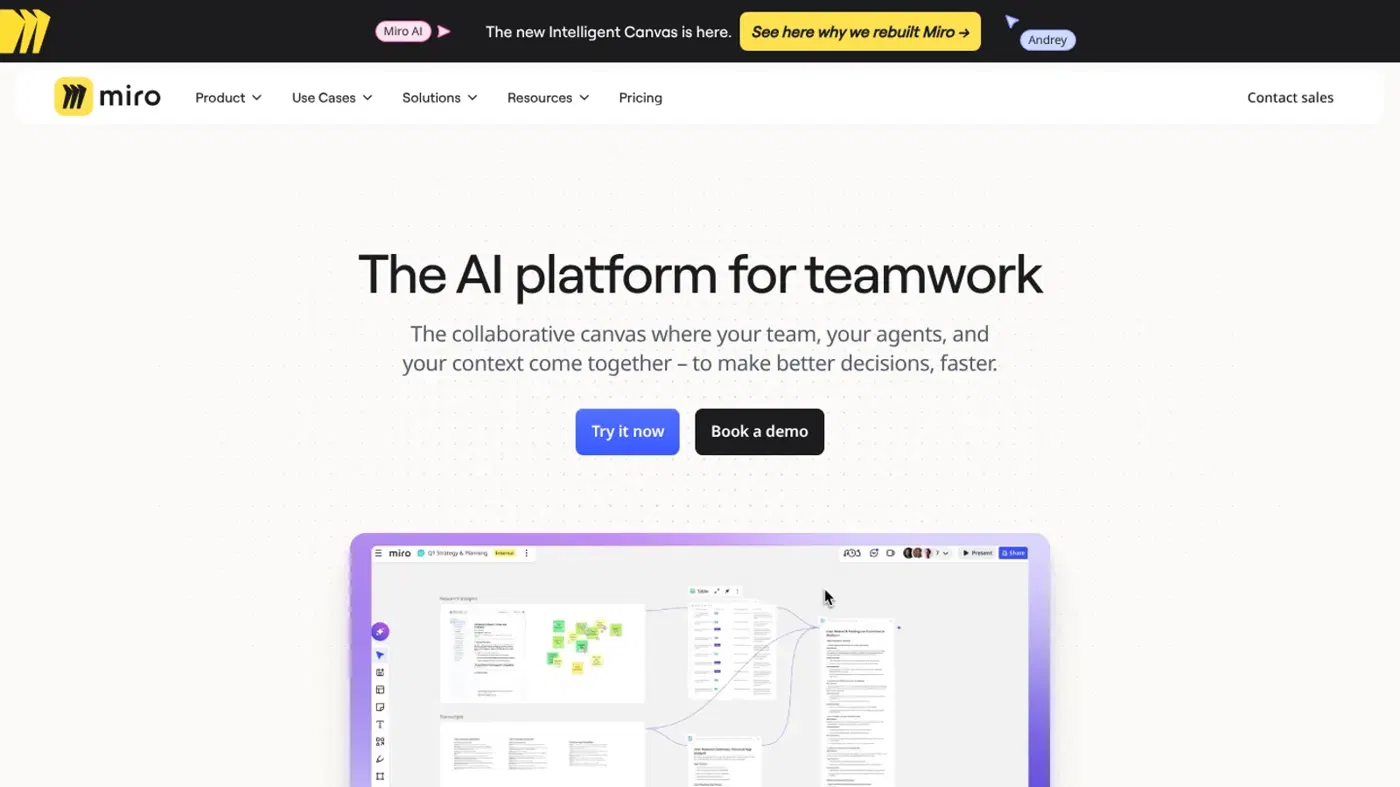
Our verdict on Miro AI (Miro)
Miro AI is a strong AI layer on an excellent whiteboard, best for product, UX and consulting teams on the Business plan. Skip it if you only want an AI slide or writing tool, or if Starter-level credits would be your whole budget.
Pricing Free (25 AI credits/mo per team); Starter $8/member/mo billed yearly (25 credits/member); Business $20/member/mo billed yearly (50 credits/member); Enterprise custom from 30 members
Visit Miro AI (Miro)Miro AI is the set of AI tools built into Miro, the online whiteboard: agents called Sidekicks, multi-step Flows, and one-prompt generation of diagrams, docs, slides, tables and clickable prototypes, all drawing on what's already on your board. It's worth it if your team already lives in Miro and you're on the Business plan. On Free or Starter, I think the AI is more of a taster, because every action spends from a small monthly credit pool that runs dry quickly.
Two other things shape the picture right now. Miro has agreed to be bought by Bending Spoons, with the deal expected to close in the fourth quarter. And a loud group of long-time users is unhappy about billing and about AI being pushed into a tool they liked for plain whiteboarding.
Miro AI in brief
Miro started fifteen years ago as an online whiteboard, and it's still that at heart: an infinite canvas with sticky notes, shapes, frames, templates and live cursors. The AI layer sits on top. You select things on the board (stickies from a workshop, a screenshot, a rough flow) and ask Miro AI to turn them into something structured.
The company's pitch is "the canvas as the prompt". In practice, that means the AI reads the content you've selected instead of you pasting context into a chat box. I think it's a sensible idea for a whiteboard, since the context is already sitting there in front of everyone.
Scale isn't the issue. Miro says more than 100 million people have used the product and nearly 4 million use the paid version, figures CEO Andrey Khusid gave in his note on the Bending Spoons deal. The enterprise value in that deal is $1.355 billion. Bending Spoons also owns Evernote, Vimeo and WeTransfer, so I'd keep an eye on plan changes after closing (that's a guess based on how ownership changes usually go, not anything announced).
Key features
Sidekicks
Sidekicks are AI agents that work on the board with you. Free and Starter teams get one general Sidekick; Business adds specialised agents that Miro describes as working alongside your team on every canvas. Since the Canvas 26 event on May 19, Miro says Sidekicks break vague requests into steps and ask clarifying questions, keep a memory of what you're working on, and take two-way voice chat.
Each Sidekick prompt costs about 2 credits, but that's variable. Bigger context and heavier models cost more.
Flows
Flows are visual pipelines you wire up on the canvas: feed in research notes, run them through AI steps, and get a table, a mind map, a doc or a prototype out the other end. They're meant for repeatable work like sprint reviews or kickoffs, and they're likely where Business teams get the most value. Free, Starter and Education members can only run 5 Flows each; Business is where Flows open up properly.
Create with AI on the canvas
- Diagrams and mind maps from a prompt, including flow charts and entity relationship diagrams.
- Docs, tables and slides built from selected board content, with slides exportable to PowerPoint.
- Interactive prototypes from a prompt, a screenshot, HTML or a hand-drawn sketch.
- Sticky note clustering by keyword or sentiment, plus summaries of long comment threads.
- Image generation and editing, background removal and text tools such as translate and change tone.
- Board layout, which builds a whole starting board from one prompt.
Recent updates on the changelog add Mermaid support (paste Mermaid code, get native shapes that stay in sync), Talktrack 2.0 with an AI summary and transcript of recorded walkthroughs, and tracked-change suggestions in Docs.
MCP and connectors
This is the part I find most interesting for technical teams. Miro runs an MCP server, so outside agents can read and write boards: Claude, ChatGPT and Microsoft Copilot can all work on a canvas, and Copilot and Slack show up with their own labelled cursors. Going the other way, connectors let Sidekicks and Flows pull from Slack, Atlassian, GitHub and Granola. Free plans can now connect AI tools too, though the pricing page caps MCP traffic by plan (100 calls a day on Free, 500 on Starter, 2,000 on Business).
The models underneath
Miro doesn't train one big model of its own. Its AI reference page maps each feature to a provider model: GPT-5.4 and GPT-5.4 mini for creating flow charts and mind maps, Claude Sonnet 4.6 in diagram editing, Claude Opus 4.7 for board layout and Gemini 2.5 Flash Image for pictures. Some small jobs (sticky capture, smart drawings) use Miro's own models. A Select Your Own Model beta lets Flows and Sidekicks run on a model you choose, though the listed options are older ones such as GPT-5 and Claude Sonnet 4.
Pricing and plans
Miro charges per member, and AI is metered on top in credits. The pricing page lists yearly prices; monthly billing costs more, with the toggle advertising a 20% saving for paying annually.
| Plan | Price | AI credits | AI workflows |
|---|---|---|---|
| Free | $0 | 25 a month for the whole team | General Sidekick, 5 Flow runs per member |
| Starter | $8 per member a month, billed yearly | 25 per member a month, pooled | General Sidekick, 5 Flow runs per member |
| Business | $20 per member a month, billed yearly | 50 per member a month, pooled | Full Sidekicks and Flows, prototypes |
| Enterprise | Custom, from 30 members | Pooled by seat tier (2,500 a month for 1 to 50 seats) | Full, with admin controls for AI |
The Free plan is more limited than it looks. You can create unlimited boards, but only the three most recent stay editable; the rest lock to view-only. There are no private boards either, so everyone on a free team sees everything. And since February 3, 2025, Miro collects AI interaction data from Free users to improve its AI features.
Credits reset monthly and don't roll over. When the pool's empty, AI actions stop until the reset unless an admin buys a bundle (Starter and Business only; Free users have to upgrade). Business comes with a 14-day free trial, but you can't buy extra credits during it.
The credit maths, worked through
Here's a five-person Starter team, which gets 125 credits a month pooled. These are the published costs per action:
| Task | Cost per unit | Credits used |
|---|---|---|
| One 10-slide deck | 5 per slide | 50 |
| One 6-screen prototype | 5 per screen | 30 |
| Three diagrams | 5 each | 15 |
| Ten Sidekick prompts | 2 each (varies) | 20 |
| Total | 115 of 125 |
That's one deck and one prototype for the whole team, for the month. Regenerating costs again, and undoing a result doesn't refund anything. Move the same five people to Business and you get 250 credits for $100 a month billed yearly, which is still modest if two of them build slides every week.
My read: the free and Starter allowances are for trying the AI, not for relying on it. If AI is the reason you're buying Miro, budget for Business from day one.
Weak spots and failure modes
The weak spots show up in three places.
First, big boards. Lag on crowded canvases seems to be the most common complaint in recent user reviews, with one software engineer writing that "the app can lag heavily" once boards hold hundreds of shapes. AI features that generate whole boards from one prompt don't help with that; they add more objects.
Second, output quality. One developer put it bluntly in a recent review: "on the AI side, prompting doesn't consistently produce the best results." That fits the variable credit model. A vague prompt gets a vague board, and every retry costs credits.
Third, control. A Free user complained in October that AI tools can't be switched off without an enterprise plan, and the pricing page does list admin controls for AI under Enterprise. If your team just wants a whiteboard without an AI chat box in the corner, that's annoying, and I don't think it's a small thing for the people it affects.
Performance and user feedback
I couldn't find a rigorous independent benchmark of Miro AI's outputs, so user reviews are the best evidence available. They split sharply by where you look.
Capterra reviewers are mostly happy: they praise the templates, real-time collaboration and, increasingly, the AI help with brainstorming and wireframes. One marketing consultant called the Sidekick "a particularly helpful tool in generating ideas and developing wireframes." Their complaints are practical ones about lag, a learning curve and features held back for paid plans.
Trustpilot is far harsher, at 2.3 out of 5 from 167 reviews. Most of the anger there is about billing: people say inviting colleagues to a board added paid seats without clear approval, and several struggled to cancel or remove card details. Others say a switch to magic-link sign-in locked them out when the emails arrived late. Those aren't AI problems as such, but they're part of what you're buying.
Best suited to
- Product, UX and engineering teams that already run workshops, retros and roadmaps in Miro and want AI to tidy up the output.
- Consultants and facilitators who turn messy sticky-note sessions into docs, tables and decks for clients.
- Teams using Claude, ChatGPT or Copilot who want those agents to read from and write to a shared board through MCP.
I'd skip it if you mainly want an AI writing or slide tool (you'll pay whiteboard prices for it), or if you're a solo Free user who needs more than three editable boards.
Miro AI alternatives worth considering
FigJam is Figma's whiteboard and probably the better fit if your designers already work in Figma, since boards and design files sit side by side.
Notion AI suits teams whose work is mostly documents and databases rather than visual canvases; its agents act on pages instead of boards.
Gamma is a cheaper, more focused pick if what you really want from Miro AI is quick slide decks. And if the goal is turning meetings into notes, a tool like Otter does that job directly.
Verdict
Miro AI is a good AI layer on an excellent whiteboard, and the MCP work makes Miro one of the more useful shared spaces for teams already using AI agents. I'd rate it 4 out of 5. Honestly, the credit allowance is what holds it back: 25 credits per member on Starter barely covers a deck, so the AI only makes sense on Business at $20 per member a month billed yearly. Add the billing complaints and an ownership change that hasn't closed yet, and I'd start with the 14-day Business trial, set seat-approval controls on day one, and buy annually only once you're sure your team will use the AI every week.
FAQ
Is Miro AI free?
Partly. Every Free team gets 25 AI credits a month, shared across all members, plus the general Sidekick and 5 Flow runs per person. That covers a few diagrams or a small slide deck. For full Sidekicks and Flows and 50 credits per member, you need the Business plan, which has a 14-day free trial.
What can Miro AI do?
Miro AI generates diagrams, mind maps, docs, tables, slides, images and clickable prototypes from prompts or board content. It clusters and summarises sticky notes, translates and rewrites text, and runs agents called Sidekicks and multi-step Flows. Through MCP, outside assistants such as Claude, ChatGPT and Copilot can also work on your boards.
How do Miro AI credits work?
Each AI action costs credits from a pooled team balance that resets monthly with no rollover. A sticky note or text edit costs 1 credit, a doc 2, an image 3, and diagrams, tables, slides and prototype screens 5 each. Sidekick costs vary with context and model, so a long, messy prompt probably costs more than a short one. Credits are spent when Miro generates a result, so each regeneration counts again. Starter and Business admins can buy extra credit bundles, while Free users have to upgrade first.
Which AI model does Miro use?
Several. Miro routes each feature to a provider model, mostly from OpenAI, Anthropic and Google, such as GPT-5.4 for diagrams and Claude Opus 4.7 for board layout.
Is Miro AI worth it for small teams?
Probably only on Business. Starter's 25 credits per member disappear after one 10-slide deck and a prototype for a five-person team. If your team mainly needs a whiteboard and uses AI occasionally, Starter at $8 per member is fine; if AI output is the reason to buy, Business is the realistic plan.
What video reviewers say
Videos load from YouTube only when you press play.
Ratings around the web
Ratings as of 20 Nov 2026. Scores change over time; follow the links for the latest.
What users are saying
We read about 40 recent reviews: roughly 22 on Trustpilot (March to November 2026) and 18 on Capterra (mostly October and November 2026). Capterra reviewers were largely positive about templates, collaboration and AI brainstorming help, while Trustpilot was dominated by complaints about billing, seat charges, sign-in changes and AI being pushed on users.
Common praise
- Large template library that saves setup time
- Smooth real-time collaboration for workshops and retros
- AI help with brainstorming, clustering and wireframes
Common complaints
- Paid seats added when colleagues are invited, and hard cancellation
- Lag on large, crowded boards
- AI features pushed on users and hard to turn off
Based on: Trustpilot reviews of Miro, Trustpilot reviews of Miro (page 2), Capterra reviews of Miro
What we like
- AI reads selected board content, so you rarely paste context by hand
- Sidekicks and Flows turn workshop output into docs, tables, slides and prototypes
- MCP server lets Claude, ChatGPT and Copilot read and write boards
- Clear per-action credit costs published in the help centre
- Free plan includes a small AI allowance and AI tool connections
What could be better
- Credit pools are small on Free and Starter and do not roll over
- Large boards lag, a frequent complaint in user reviews
- Billing complaints about auto-added paid seats and hard cancellation
- Turning AI off needs Enterprise admin controls